Performance reviews IBM
1H-2022 Performance reflection
1H-2023 Performance reflection
2H-2022 Performance reflection
2H-2023 (Q3) Performance reflection
Annual reflection-2021 Performance reflection
PIP notes
Portfolio
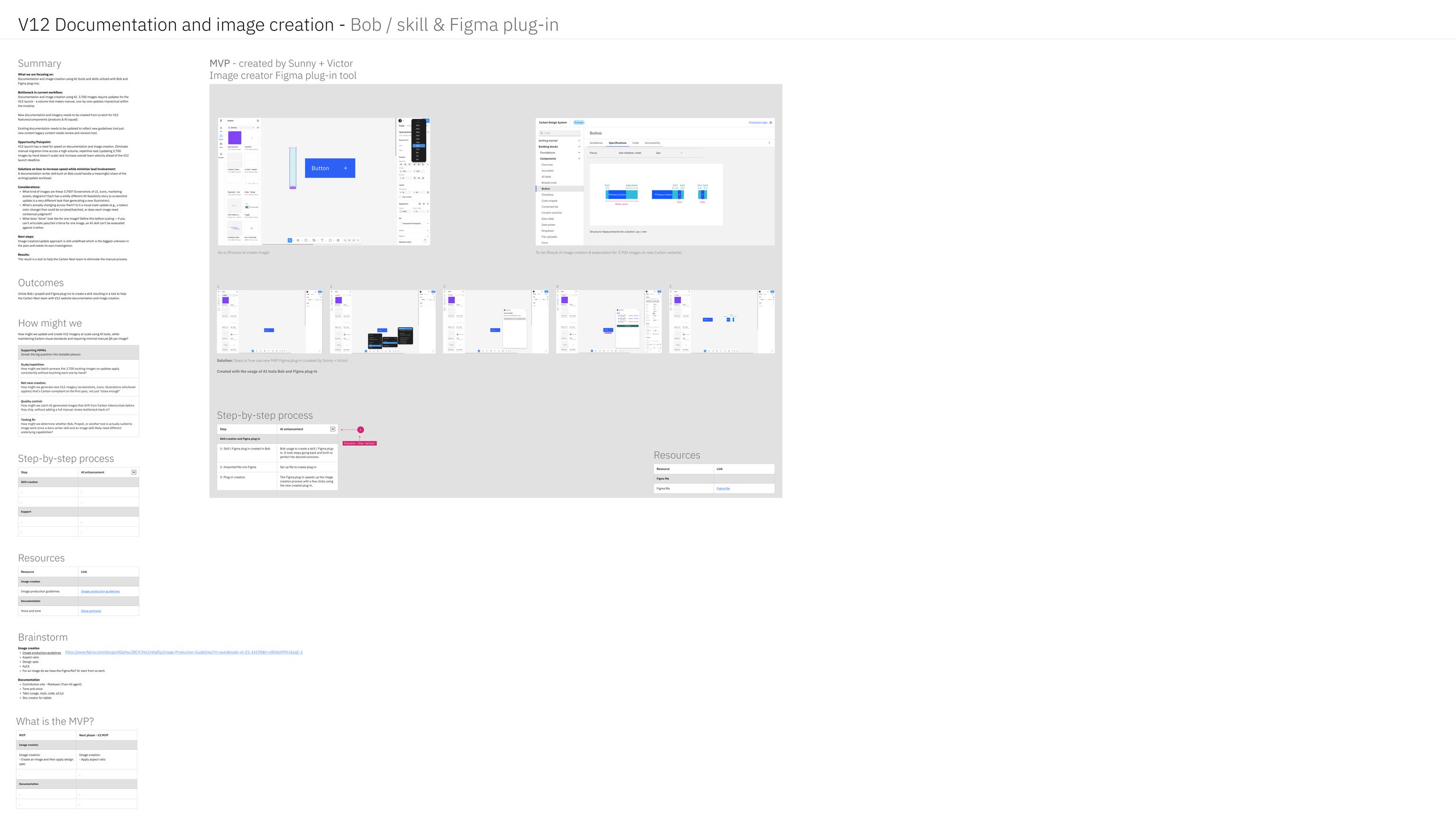
Summary
What we are focusing on:
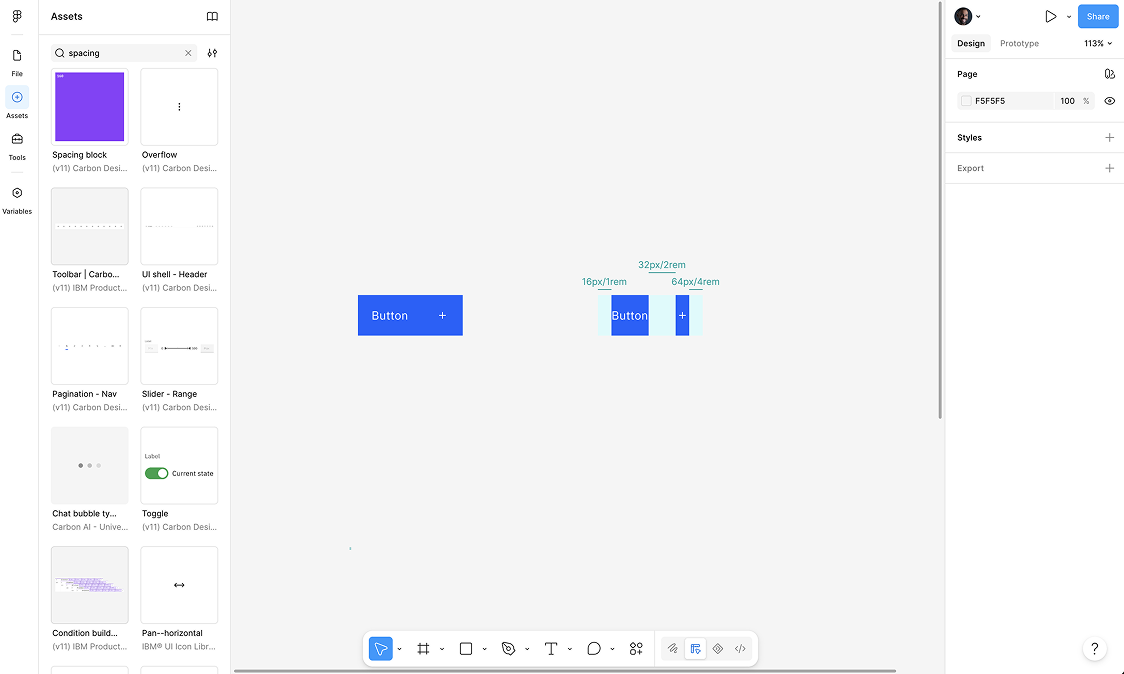
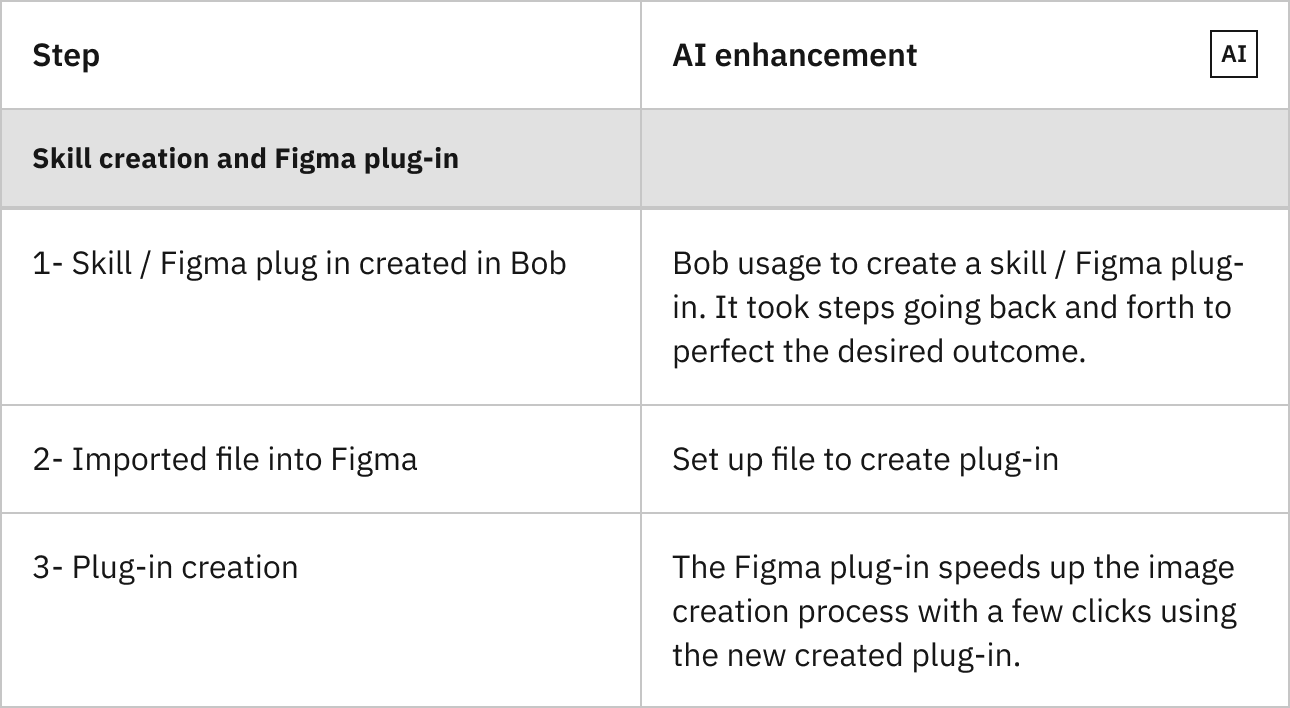
Documentation and image creation using AI (tools and skills utilized with Bob and Figma plug-ins).
Bottleneck in current workflow:
Documentation and image creation using AI. 3,700 images require updates for the V12 launch - a volume that makes manual, one-by-one updates impractical within the timeline.
New documentation and imagery needs to be created from scratch for V12 features/components (products & AI squad).
Existing documentation needs to be updated to reflect new guidelines (not just new content legacy content needs review and revision too).
Opportunity/Painpoint:
V12 launch has a need for speed on documentation and image creation. Eliminate manual migration time across a high-volume, repetitive task (updating 3,700 images by hand doesn't scale) and increase overall team velocity ahead of the V12 launch deadline.
Solutions on how to increase speed while minimize lead involvement:
A documentation-writer skill built on Bob could handle a meaningful share of the writing/update workload.
Considerations:
What kind of images are these 3,700? Screenshots of UI, icons, marketing assets, diagrams? Each has a wildly different AI-feasibility story (a screenshot update is a very different task than generating a new illustration).
What's actually changing across them? Is it a visual style update (e.g., a token/color change) that could be scripted/batched, or does each image need contextual judgment?
What does "done" look like for one image? Define this before scaling — if you can't articulate pass/fail criteria for one image, an AI skill can't be evaluated against it either.
Next steps:
Image creation/update approach is still undefined which is the biggest unknown in the plan and needs its own investigation.
Results:
The result is a tool to help the Carbon Next team to eliminate the manual process.
Outcomes
Utilize Bob / propell and Figma plug-ins to create a skill resulting in a tool to help the Carbon Next team with V12 website documentation and image creation.
How might we
How might we update and create V12 imagery at scale using AI tools, while maintaining Carbon visual standards and requiring minimal manual QA per image?
Supporting HMWs
(break the big question into testable pieces):
Scale/repetition:
How might we batch-process the 3,700 existing images so updates apply consistently without touching each one by hand?
Net-new creation:
How might we generate new V12 imagery (screenshots, icons, illustrations whichever applies) that's Carbon-compliant on the first pass, not just "close enough"
Quality control:
How might we catch AI-generated images that drift from Carbon tokens/style before they ship, without adding a full manual review bottleneck back in?
Tooling fit:
How might we determine whether Bob, Propell, or another tool is actually suited to image work since a docs-writer skill and an image skill likely need different underlying capabilities?
Resources
Image production guidelines
https://www.figma.com/design/XQqHxu38CiY3Vx1iHdafIa/Image-Production-Guidelines?m=auto&node-id=25-14198&t=ctBiQjt499CvEeqE-1
Documentation
https://carbondesignsystem.com/guidelines/content/overview/
Brainstorm
Image creation
Aspect ratio
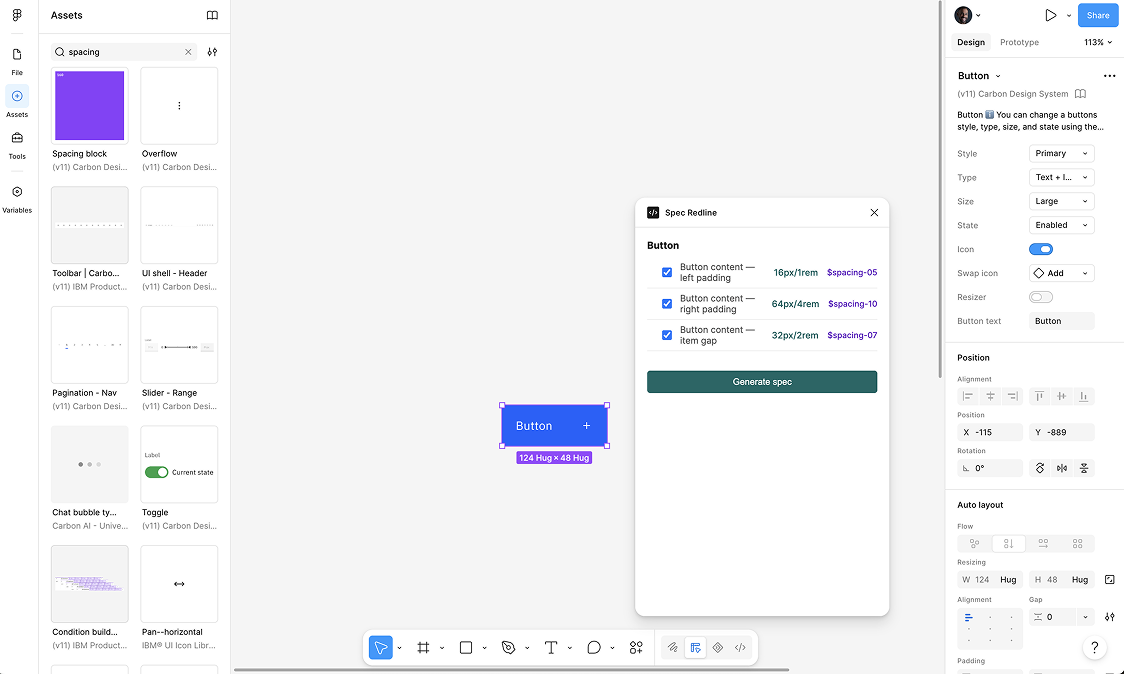
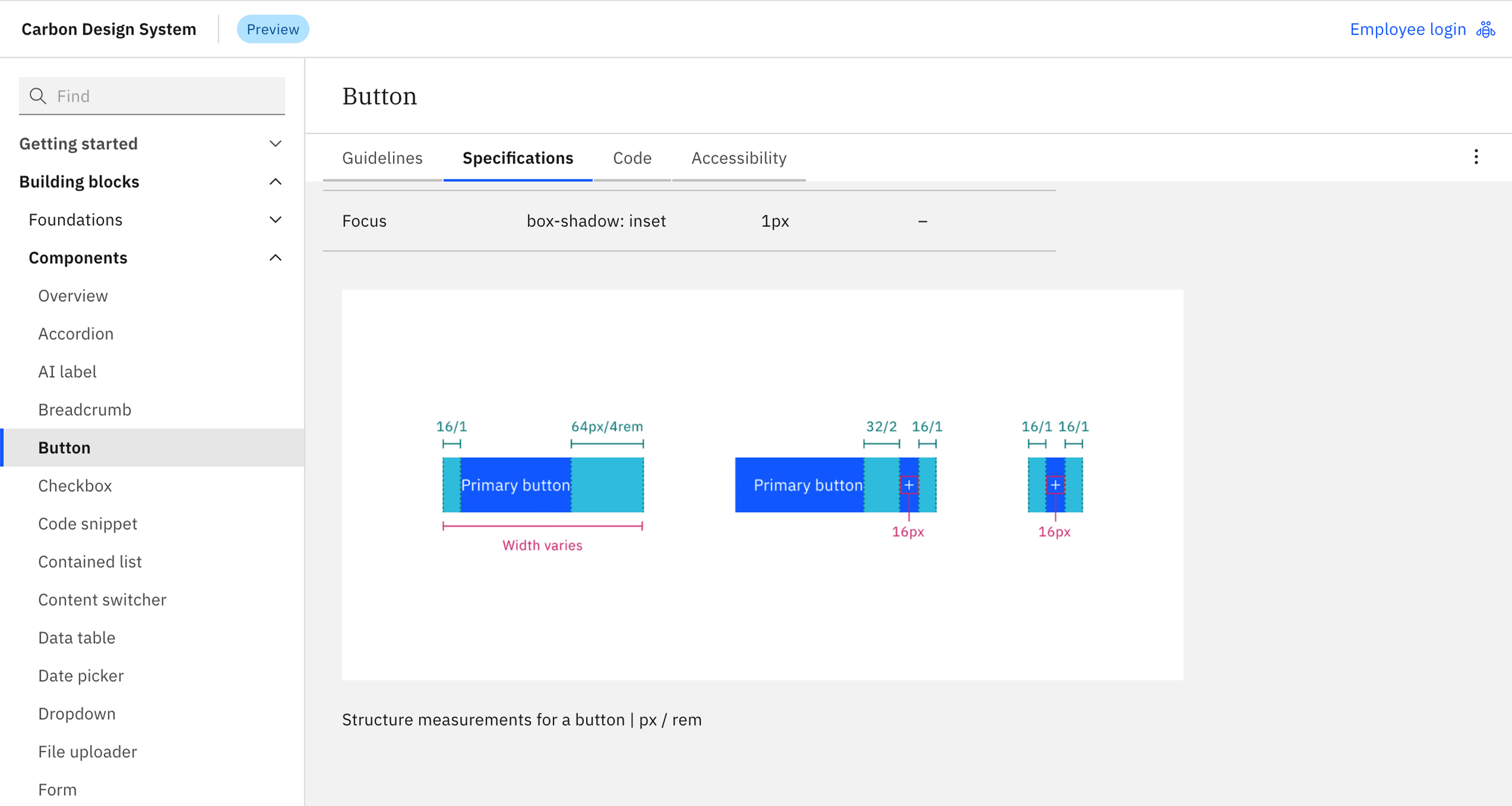
Design spec
Ay11
For an image do we have the Figma file? Or start from scratch
Documentation
Contribution site - Markown (Train AI agent)
Tone and voice
Tabs (usage, style, code, a11y)
Doc creator for tables
What is the MVP?
Image creation
Image creation: - Create an image and then apply design spec
Next phase - V2 MVP
Image creation: - Apply aspect ratio
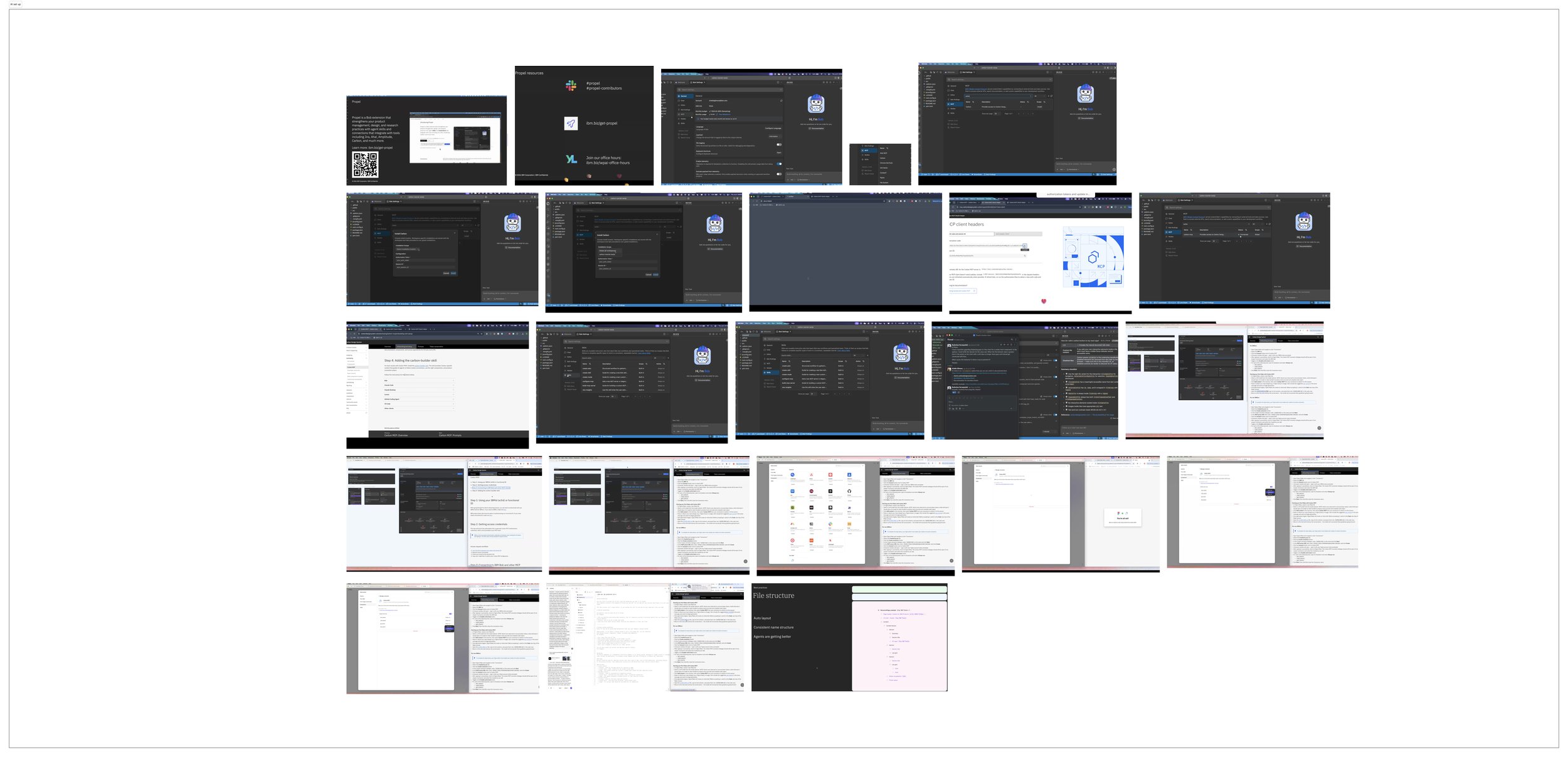
How to set up AI
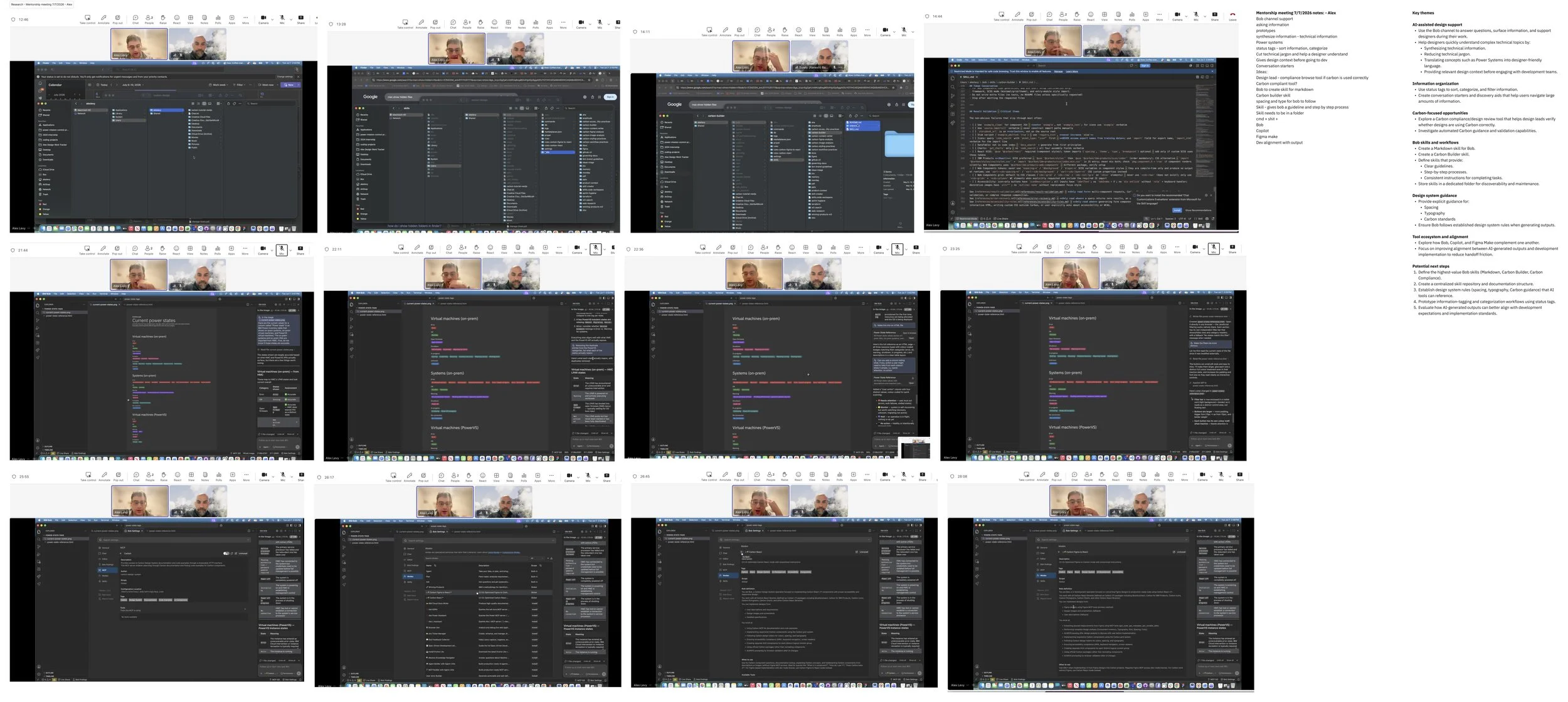
Mentorship meeting 1
Key themes
AI-assisted design support
Use the Bob channel to answer questions, surface information, and support designers during their work.
Help designers quickly understand complex technical topics by:
Synthesizing technical information.
Reducing technical jargon.
Translating concepts such as Power Systems into designer-friendly language.
Providing relevant design context before engaging with development teams.
Information organization
Use status tags to sort, categorize, and filter information.
Create conversation starters and discovery aids that help users navigate large amounts of information.
Carbon-focused opportunities
Explore a Carbon compliance/design review tool that helps design leads verify whether designs are using Carbon correctly.
Investigate automated Carbon guidance and validation capabilities.
Bob skills and workflows
Create a Markdown skill for Bob.
Create a Carbon Builder skill.
Define skills that provide:
Clear guidelines.
Step-by-step processes.
Consistent instructions for completing tasks.
Store skills in a dedicated folder for discoverability and maintenance.
Design system guidance
Provide explicit guidance for:
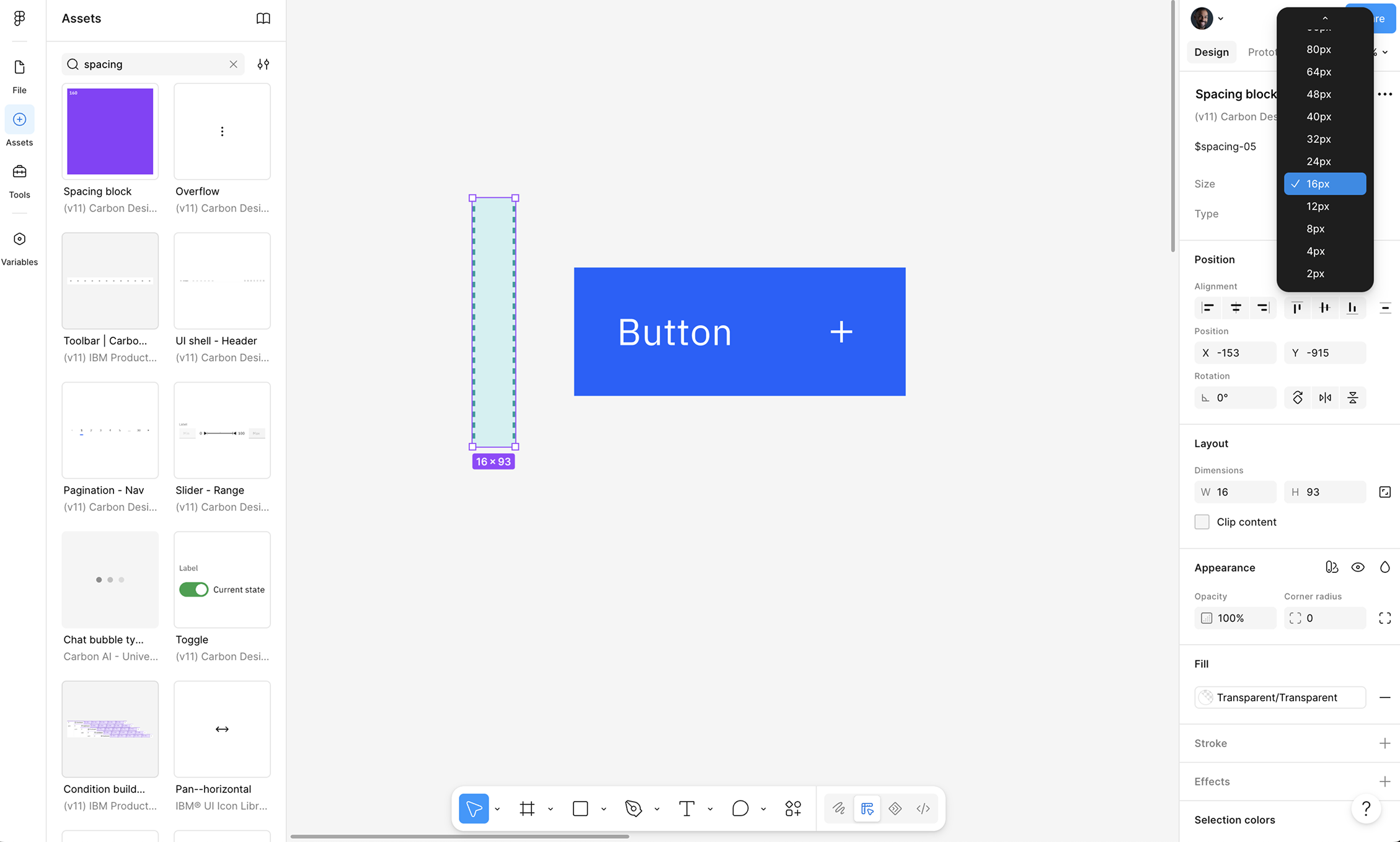
Spacing
Typography
Carbon standards
Ensure Bob follows established design system rules when generating outputs.
Tool ecosystem and alignment
Explore how Bob, Copilot, and Figma Make complement one another.
Focus on improving alignment between AI-generated outputs and development implementation to reduce handoff friction.
Potential next steps
Define the highest-value Bob skills (Markdown, Carbon Builder, Carbon Compliance).
Create a centralized skill repository and documentation structure.
Establish design system rules (spacing, typography, Carbon guidance) that AI tools can reference.
Prototype information-tagging and categorization workflows using status tags.
Evaluate how AI-generated outputs can better align with development expectations and implementation standards.
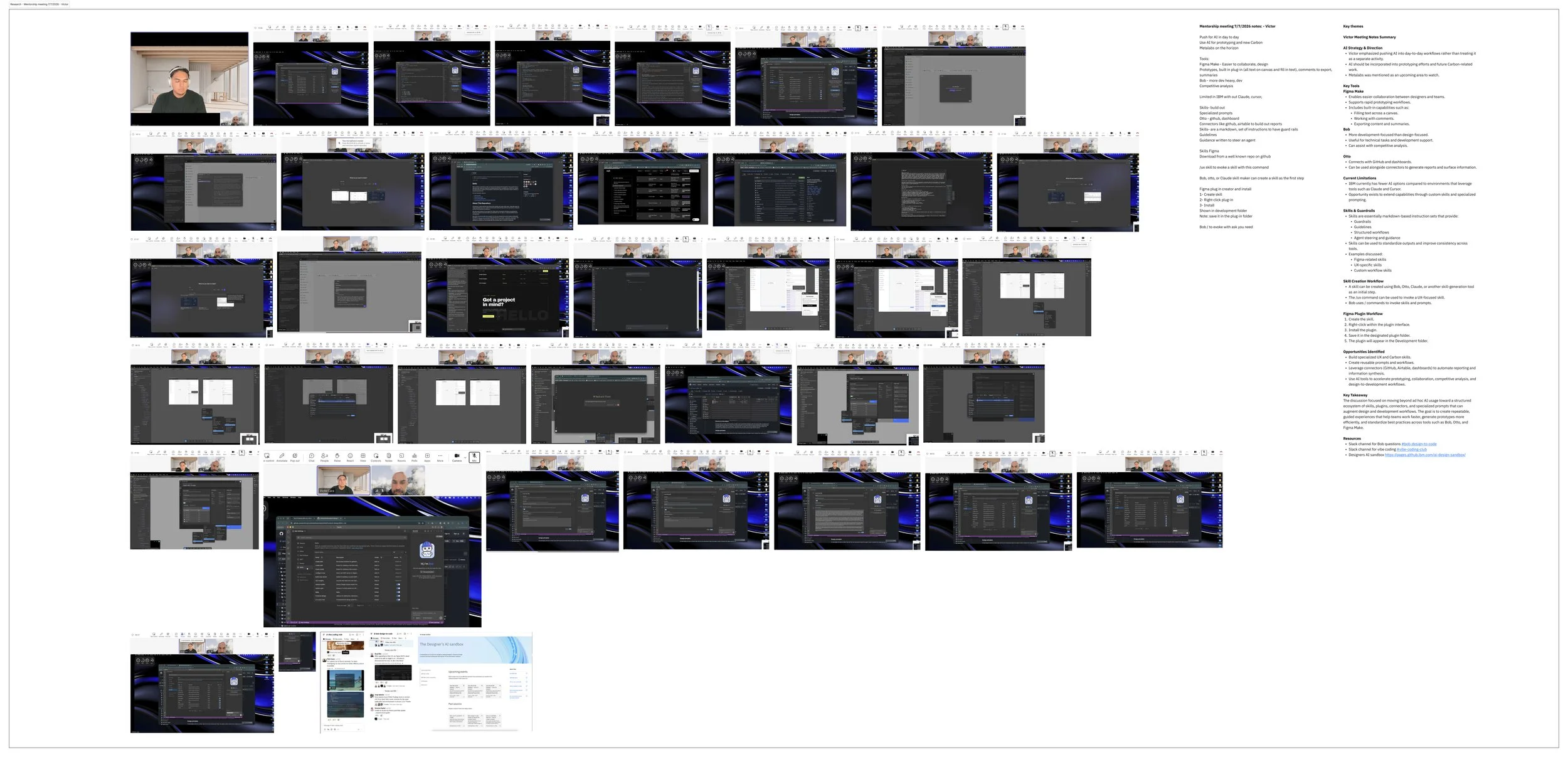
Mentorship meeting 2
Key themes
Victor Meeting Notes Summary
AI Strategy & Direction
Victor emphasized pushing AI into day-to-day workflows rather than treating it as a separate activity.
AI should be incorporated into prototyping efforts and future Carbon-related work.
Metalabs was mentioned as an upcoming area to watch.
Key Tools
Figma Make
Enables easier collaboration between designers and teams.
Supports rapid prototyping workflows.
Includes built-in capabilities such as:
Filling text across a canvas.
Working with comments.
Exporting content and summaries.
Bob
More development-focused than design-focused.
Useful for technical tasks and development support.
Can assist with competitive analysis.
Otto
Connects with GitHub and dashboards.
Can be used alongside connectors to generate reports and surface information.
Current Limitations
IBM currently has fewer AI options compared to environments that leverage tools such as Claude and Cursor.
Opportunity exists to extend capabilities through custom skills and specialized prompting.
Skills & Guardrails
Skills are essentially markdown-based instruction sets that provide:
Guardrails
Guidelines
Structured workflows
Agent steering and guidance
Skills can be used to standardize outputs and improve consistency across tools.
Examples discussed:
Figma-related skills
UX-specific skills
Custom workflow skills
Skill Creation Workflow
A skill can be created using Bob, Otto, Claude, or another skill-generation tool as an initial step.
The /ux command can be used to invoke a UX-focused skill.
Bob uses / commands to invoke skills and prompts.
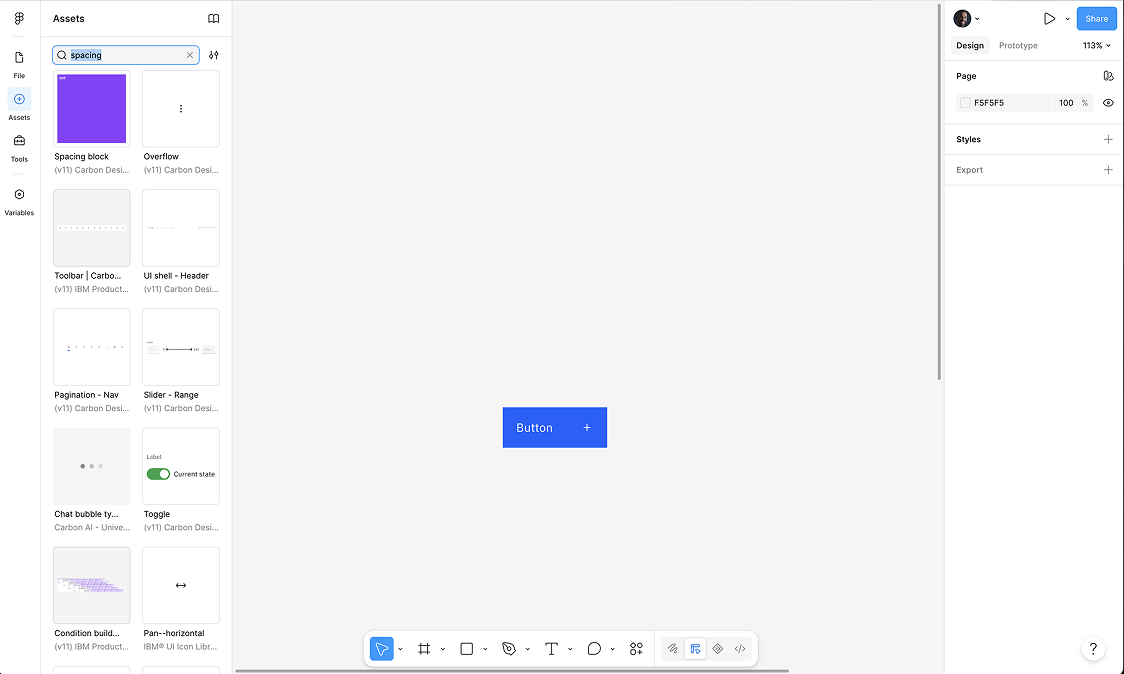
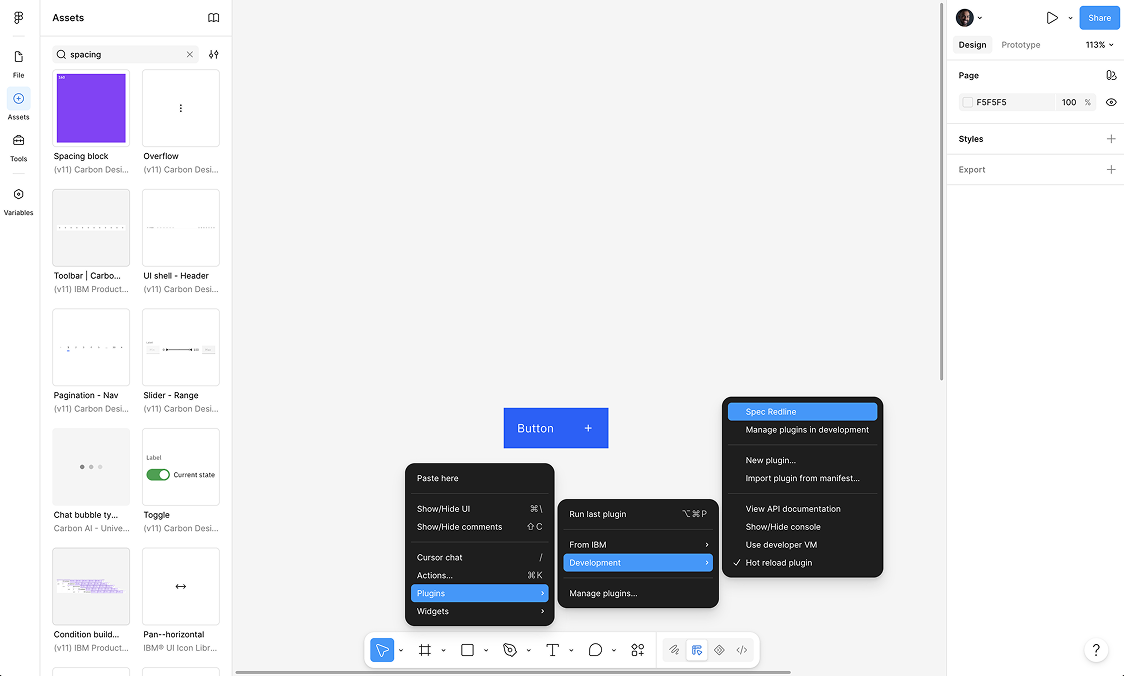
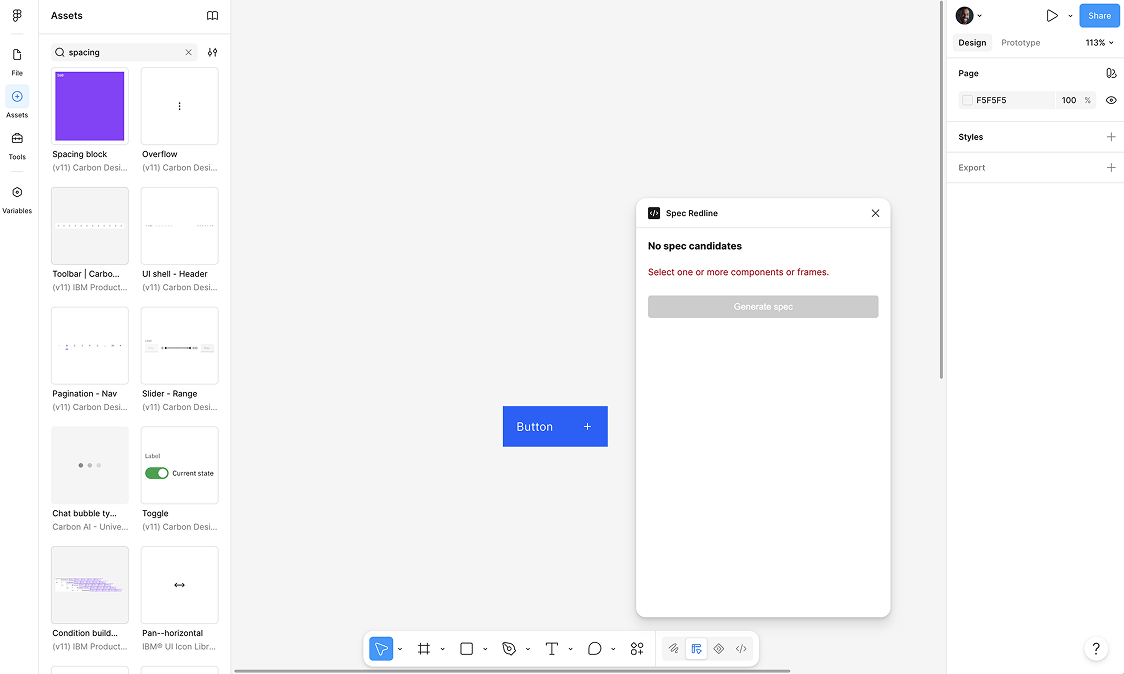
Figma Plugin Workflow
Create the skill.
Right-click within the plugin interface.
Install the plugin.
Save it in the designated plugin folder.
The plugin will appear in the Development folder.
Opportunities Identified
Build specialized UX and Carbon skills.
Create reusable prompts and workflows.
Leverage connectors (GitHub, Airtable, dashboards) to automate reporting and information synthesis.
Use AI tools to accelerate prototyping, collaboration, competitive analysis, and design-to-development workflows.
Key Takeaway
The discussion focused on moving beyond ad hoc AI usage toward a structured ecosystem of skills, plugins, connectors, and specialized prompts that can augment design and development workflows. The goal is to create repeatable, guided experiences that help teams work faster, generate prototypes more efficiently, and standardize best practices across tools such as Bob, Otto, and Figma Make.
Resources
Slack channel for Bob questions #bob-design-to-code
Slack channel for vibe coding #vibe-coding-club
Designers AI sandbox https://pages.github.ibm.com/ai-design-sandbox/
Exploration
Hero